WooCommerce search suggestions: images, prices
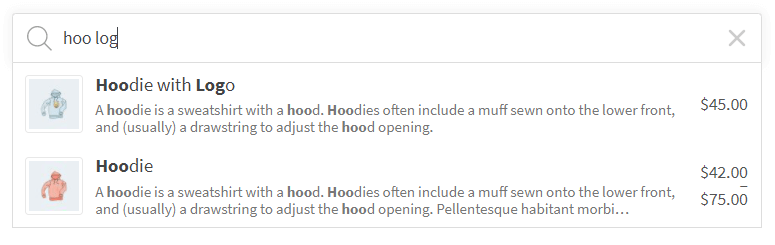
Suggestions can show a product image, price, SKU and description. The image is on by default; price, SKU and description are options.
Key benefits
-

Better UX
-

Shorter Route to Cart
-

Easier To Explore Products
Explore the FiboSearch layout
-
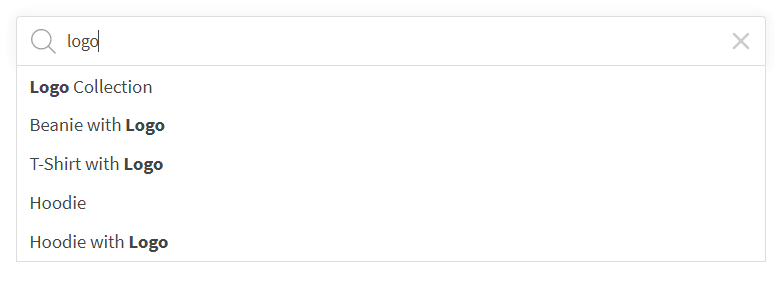
Plain autocomplete
This is a basic form of the autocomplete feature. This form of search is similar to the amazon.com or google.com search.
-
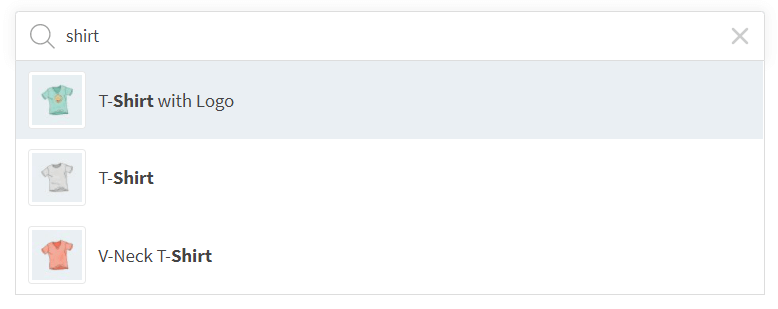
Product image
A picture is worth a thousand words. That’s why users love images in the instant search suggestions.
-
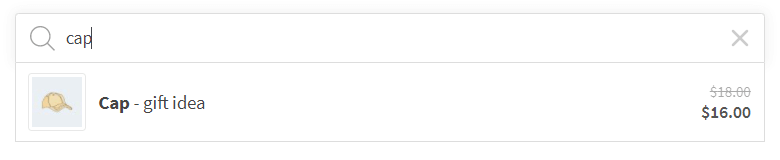
Price
Seeing prices helps users make faster purchasing decisions. A lot of online stores display prices in instant suggestions.
-
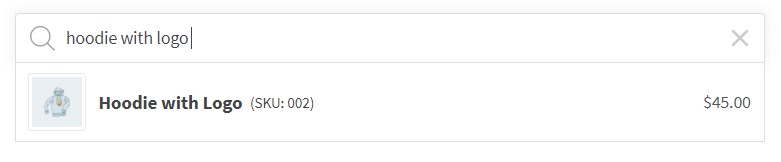
SKU
For certain e-commerce branches, it is very important to display the SKU in instant suggestions. It may be helpful in the automotive industry, where the SKU is, for example, a part number.
-
Description
This feature may be useful for online stores where a description is crucial.
-
Grouped by types
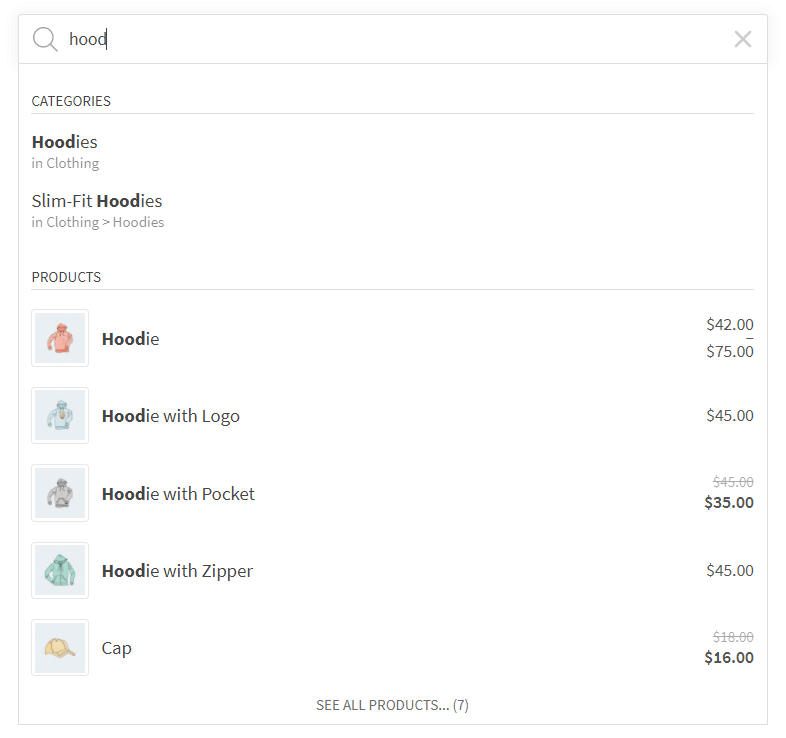
There are several types of suggestions that can be displayed as search results. The main type is product, but there are also product categories, tags, brands or posts and pages. In future plugin releases there will be new types, such as custom taxonomies, custom posts, etc.
The groups help users stay focused while also improving the readability of the search results.
-
Details Panel
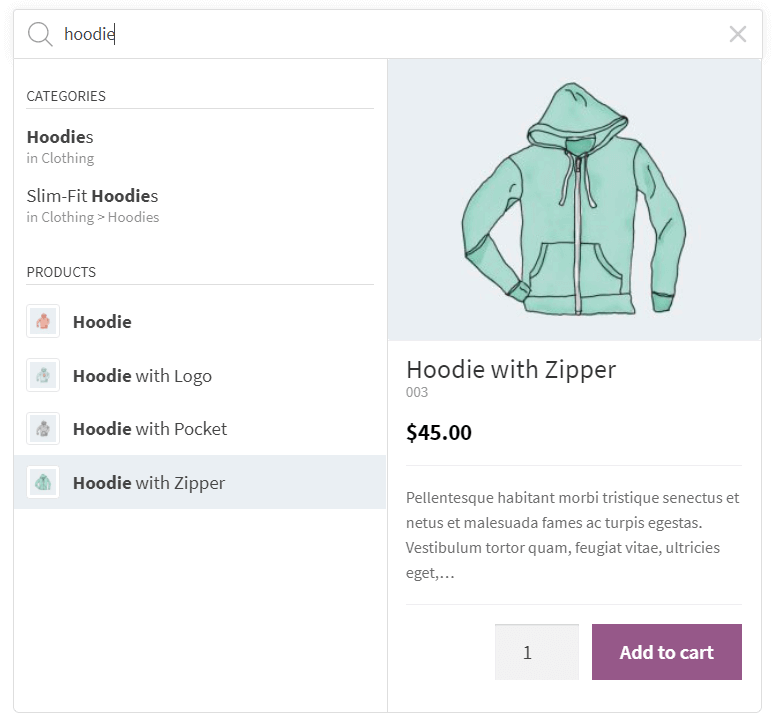
The Details Panel is an extra area with extended information, for example an “add to cart” button with a quantity field, product description, products in a category, and more. Read more about the Details Panel feature.
FiboSearch Pro
Fast, accurate product search for your WooCommerce store.
Join thousands of entrepreneurs who use FiboSearch Pro