To exclude products from certain categories from the search, go to WooCommerce → FiboSearch → Search config (tab). At the bottom of the config page, you’ll see the “Exclude/include products” section:
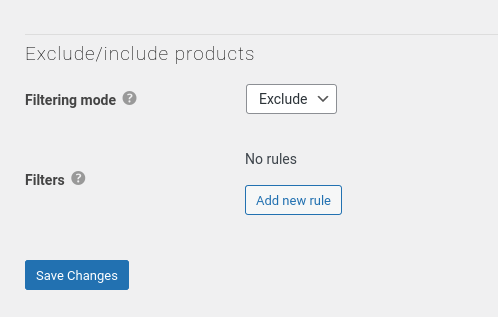
Set “Filtering mode” to “Exclude” and then set “Filters” to the categories you want to exclude from search. You can also exclude products with given tags.
Save your changes and rebuild the index. From now on, products from selected categories won’t appear in the search bar.
Need help?
If you’re still stuck, contact us with the step you reached and any message you see.