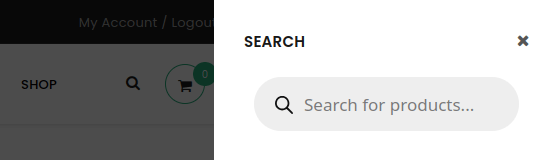
To replace the UpStore search with FiboSearch, a child theme is required. UpStore comes with the child theme pre-packaged, so there’s no need to create one from scratch.
Once the child theme is created and activated, follow these steps:
- Copy the header template your website is currently using (eg.
header-v1.php) from/wp-content/themes/upstore/templates/headers/to/wp-content/themes/upstore-child/templates/headers/(you need to create thetemplatesandheadersdirectories in the child theme manually). - Open the header template (eg.
header-v1.php) and replace the following line:
<?php get_search_form(); ?>
ⓘLearn how to add this snippet to your WordPress.
with:
<?php echo do_shortcode( '[fibosearch]' ); ?>
ⓘLearn how to add this snippet to your WordPress.
On the front end, you’ll see the default search bar replaced with FiboSearch: